BrainVision Analyzer

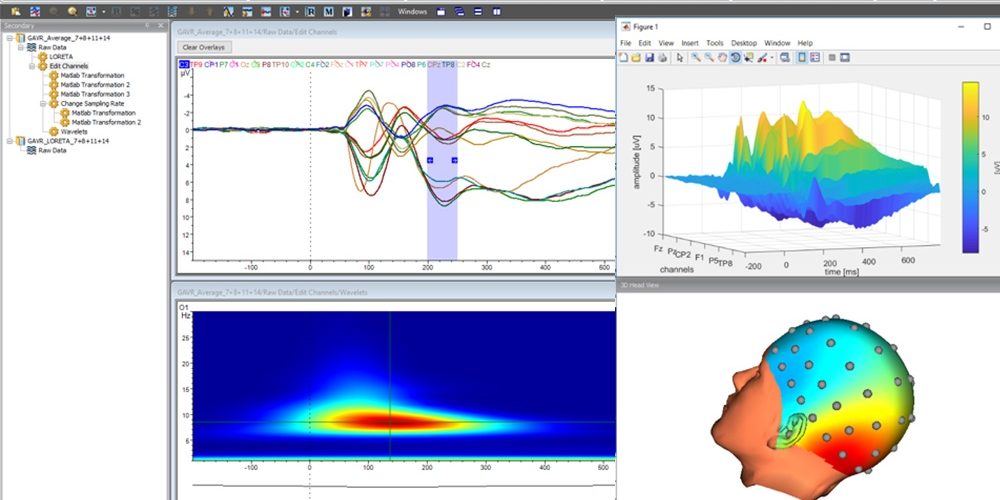
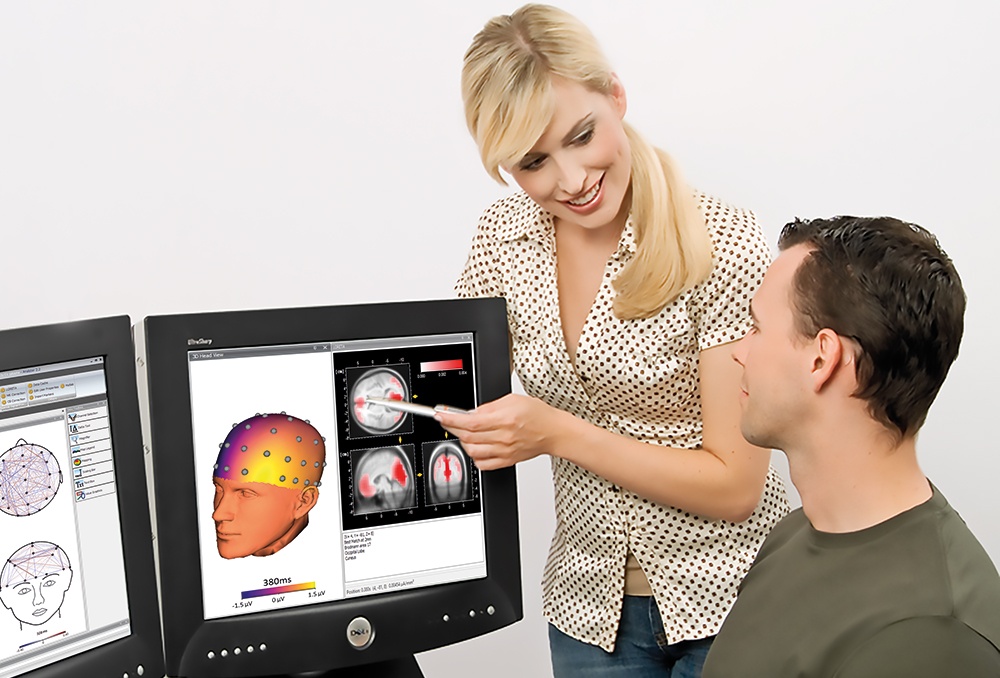
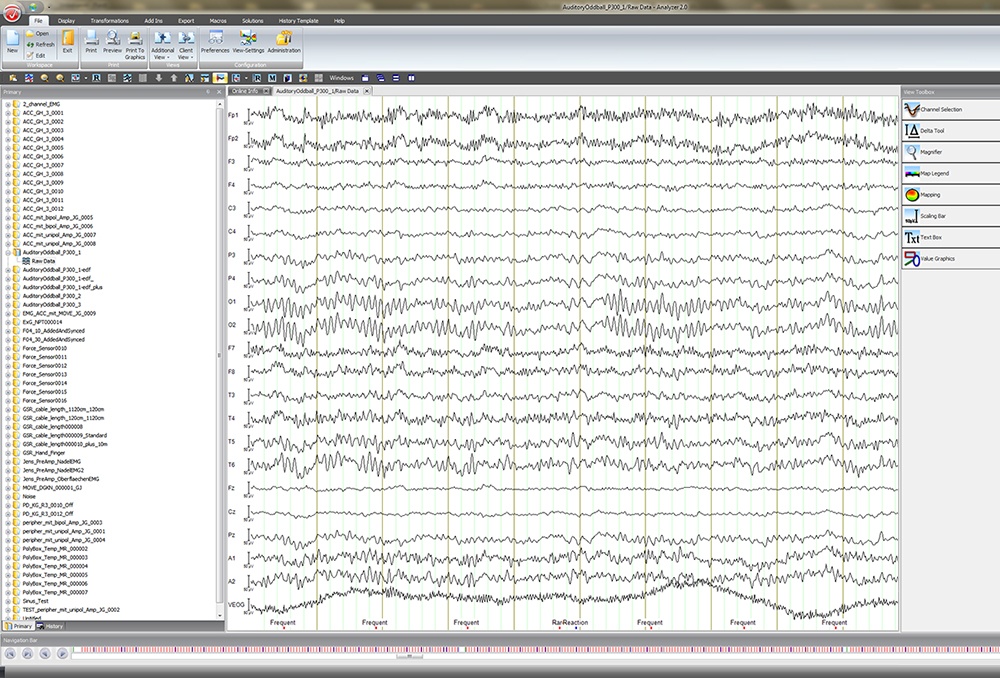


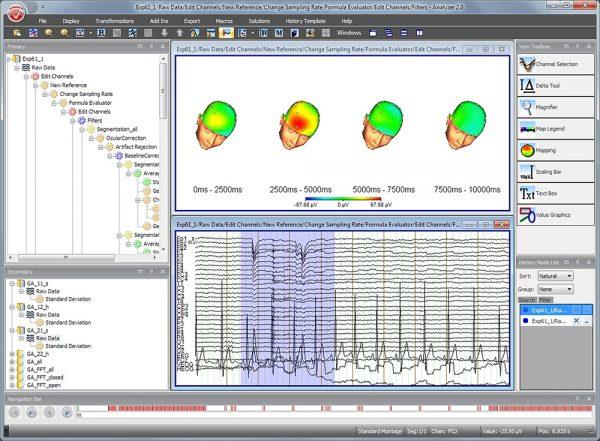 Self-documenting and easy to learn
-
- Visual representation of analysis steps in a structure called History Trees®
- Analysis steps in History Trees® let you explore and compare various data processing strategies
- Each History Tree® node contains full description of parameters used for data processing
- Short learning curve = Less time from recording to publication
Fast processing and visualization
-
- Templates from History Trees® applied to multiple datasets for quick and consistent analysis
- Templates applied automatically (or manually using drag and drop mode) to multiple subjects
- On-demand calculation = No need to re-process your data!
- Multiple views for fast data visualization and comparison
Basic and advanced methods
-
- Automatic import and export of data, events/triggers, channel coordinates, etc.
- Filters, Raw Data Inspection, interactive ICA, FFT, Wavelets, Coherence, LORETA and more.
- Tailored transformations for MR and CB artefact correction; integration of Eye-Tracking data
- Real-time communication with MATLAB®

- Video integration for frame-by-frame monitoring of participant’s behavior
Free scientific support & more
-
- Free support from scientists at the Brain Products headquarters
- Support includes: Installation, license/dongle issues, data analysis – We support you in every step of the research process
- Additional assistance for scientific data evaluation during the peer-review process. Support will help you address reviewer questions!
- Frequent scientific workshops and webinars to help you best use Analyzer
The perfect teaching tool for EEG
-
- Great tool for teaching EEG/ERP analysis due to its user-friendly interface
- Perfect for workshops, seminars, EEG boot camps, webinars, etc.
- Easy EEG/ERP analysis education; no need to learn a programming language or read/write scripts
Cost-effective solution
-
- Effective data processing from day one
- One time purchase (no annual fee)
- Long-lasting Backwards Compatibility across versions
- Detailed documentation of analysis methods (user manual, release notes, scientific support)
Several license options
-
- Single-user (local) license to run Analyzer on a local computer
- Multi-user (network) license to run Analyzer on multiple client computers in a network environment
- Educational license: Special offer for existing Analyzer users to teach others in the context of an educational event (e.g. workshop, summer school)
The BrainVision Analyzer system requirements are listed in the table below.
You can review the Brain Products Software License Agreement here.
| BrainVision Analyzer | System requirements |
|---|---|
| Operating systems | Windows® XP Service Pack 3 - up to BrainVision Analyzer 2.2.0 Windows® Vista 32 Service Pack 1 - up to BrainVision Analyzer 2.2.0 Windows® 7 - up to BrainVision Analyzer 2.2.2 Windows® 8 - only BrainVision Analyzer 2.0.3 and up to 2.2.2 Windows® 8.1 - only BrainVision Analyzer 2.0.3 and higher Windows® 10 - only BrainVision Analyzer 2.1.1 and higher Windows® 11 - only BrainVision Analyzer 2.2.2 and higher |
| Processor | Intel® Pentium IV Processor or higher |
| Graphics adapter | Graphics card with 64 MB of RAM |
| RAM | Min. 512 MB |
| Free disk space | Min. 8 GB free hard disk space. |
| Monitor | Min. 17" A 21" or larger monitor is recommended for more than 32 channels |
| Classification | |
| Medical product | No |
| CE marking | No |
Getting started
Webinar recording “Introduction to Analyzer 2 & EEG analysis concepts”
Click on the button to load the content from app.gotowebinar.com.